Booking Software for Coaches: Manage Sessions, Payments, and Client Intake in One Flow


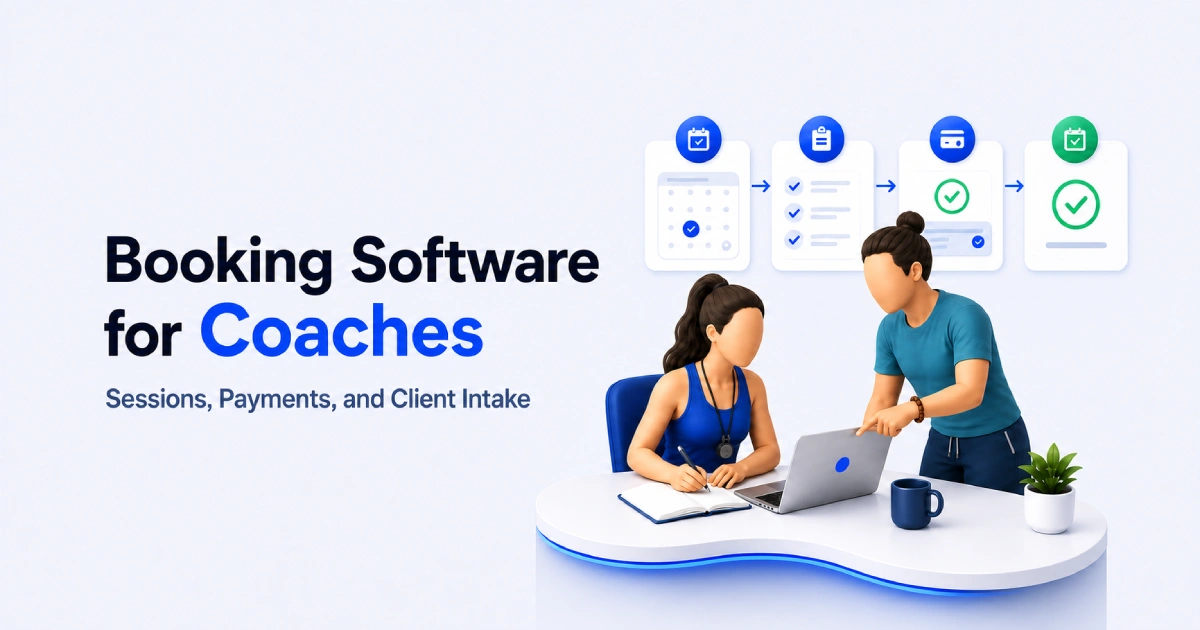
Table of Contents
If you’re a coach, your time is your product. But managing coaching sessions manually can quickly become stressful.
A coach may need to handle discovery calls, paid sessions, client questions, payments, reminders, and follow-ups. If all of this happens through messages, emails, and separate payment links, it can create confusion for both the coach and the client.
This is where booking software for coaches becomes helpful.
The right booking software does more than show available time slots. It helps coaches present their services clearly, collect client details before the session, take payments when needed, and send booking confirmations automatically.
In this guide, we will explain what booking software for coaches is, why basic scheduling links are not always enough, which features matter most, and how Timetics AI can help coaches manage sessions, payments, and client intake more smoothly.
What Is Booking Software for Coaches?
Booking software for coaches refers to a tool that helps coaches manage client sessions online. It helps clients choose a session, pick a time, share their details, and confirm the booking without long messages.
If the session is paid, the software can also help collect payment during the booking process.
For example, a coach can create different booking options like:
- Free discovery call
- Paid one-to-one coaching session
- Career coaching call
- Business strategy session
- Fitness consultation
- Monthly coaching check-in
Each session can have its own duration, price, description, and booking form.
This makes the booking process clear for both sides. The client knows what they are booking. The coach knows what the client needs before the call starts.
A basic scheduling link only helps someone choose a time. But booking software for coaches helps manage the full flow: session selection, client intake, payment, confirmation, and reminders.
So instead of managing everything manually, coaches can use one system to keep bookings organized and save time.
Why Coaches Need More Than a Basic Scheduling Link
A basic scheduling link can help clients choose a time. But for coaches, that is often not enough. Coaching is not just about booking a meeting.
A client needs to understand what they are booking, what the session includes, how much it costs, and what they need to share before the call.
If the booking page only shows a calendar, the client may book without enough context. This can create problems later.
For example, a client may book a free discovery call when they actually need a paid strategy session. Another client may book a session without sharing their goals. Some clients may also book a time but not show up because they do not feel committed.
That is why coaches need an individual scheduling software that can support the full booking journey.
A better coaching booking flow should help you:
- Explain your coaching services clearly
- Show session duration and pricing
- Ask useful intake questions
- Collect payment or deposits when needed
- Send confirmation and reminder messages
- Keep client details in one place
Here is a simple comparison:
| Area | Basic Scheduling Link | Booking Software for Coaches |
| Shows available time | Yes | Yes |
| Explains coaching services | Limited | Yes |
| Collects client details | Basic | Yes |
| Supports payments | Often separate | Yes |
| Helps reduce no-shows | Limited | Better with reminders and payment |
| Organizes booking flow | Basic | More complete |
A basic link may work for simple meetings. But if you offer paid coaching sessions, discovery calls, packages, or different coaching services, you need more control.
Good booking software helps the client make a clear decision before the call begins. It also saves you from doing the same manual work again and again.
Key Features to Look for in Booking Software for Coaches
The best booking software for coaches should help with more than choosing a time. It should manage the full booking flow, including service selection, client intake, payments, calendar control, reminders, and booking management.
1. Service-Based Booking Pages
Your booking page should clearly show each coaching service with its name, duration, price, and purpose. This helps clients understand what they are booking before they choose a time.
2. Client Intake Questions
Client intake questions help you collect useful details before the session starts. You can ask about the client’s goals, current problems, expectations, or past coaching experience.
3. Payment Options
If you offer paid coaching sessions, your booking software should let clients pay during booking. This helps reduce unpaid bookings and makes the client more committed to the session.
4. Calendar and Availability Control
You should be able to set your working hours, available days, session length, and break time. This helps you avoid double bookings and keeps your coaching schedule under control.
5. Automated Confirmations and Reminders
Automatic confirmations and reminders help clients remember their sessions. They also save you from sending manual messages before every coaching call.
6. Online and Offline Session Support
Your booking software should support online calls, phone sessions, and in-person meetings. This is helpful if you offer different types of coaching sessions for different clients.
7. Simple Booking Management Dashboard
A booking dashboard helps you see upcoming sessions, client details, and booking status in one place. This makes it easier to stay organized without checking emails or messages again and again.
8. Team Support for Coaching Businesses
If you run a coaching team, your software should let you manage multiple coaches under one system. This helps assign services, control availability, and keep all bookings organized.
The best booking software for coaches should make the full booking process simple. It should help clients book with confidence and help coaches prepare better for every session.
How Coaching Booking Software Works
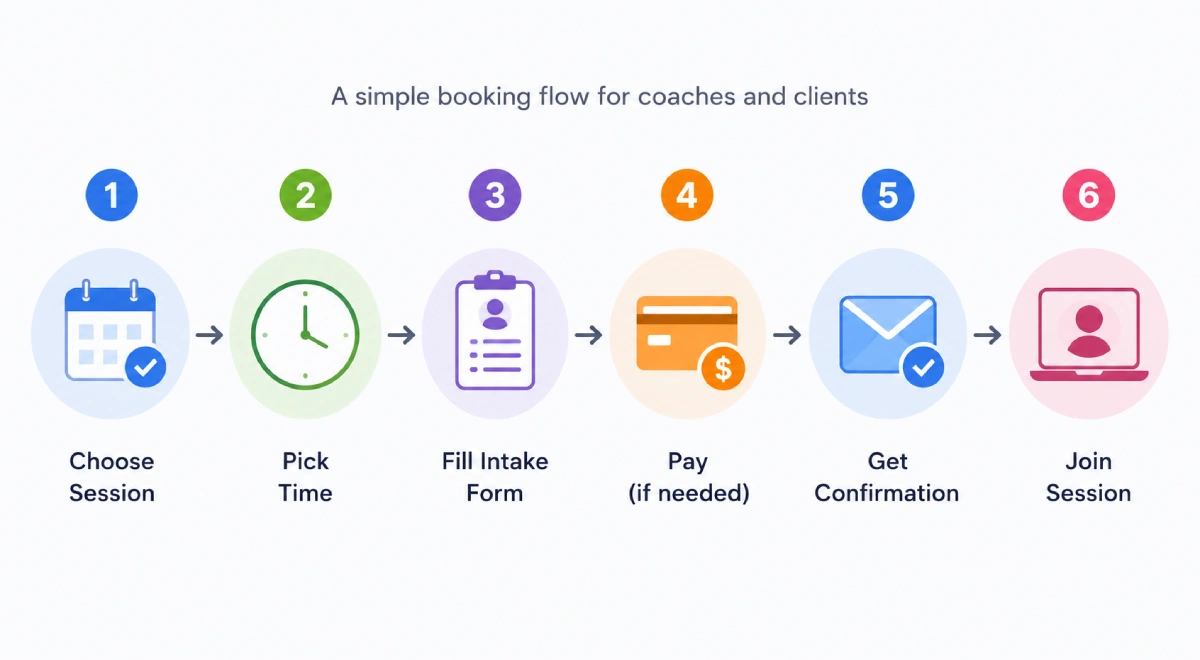
Coaching booking software works by guiding clients through a clear booking journey.
Instead of asking clients to message you for available times, payment details, or session information, the software handles these steps in one flow. The client visits your booking page, chooses the coaching session they need, picks a time, shares important details, and confirms the booking.
If it is a paid session, the payment step can be added before the booking is complete. After that, the client gets a confirmation and reminder, while you receive the session details in advance.
This makes the full process easier for both sides. Clients know exactly what they are booking, and you get the information you need before the call starts.
For coaches, this means less manual work, fewer missed details, and a smoother way to manage every session.
How Timetics AI Helps Coaches Build a Better Booking Flow
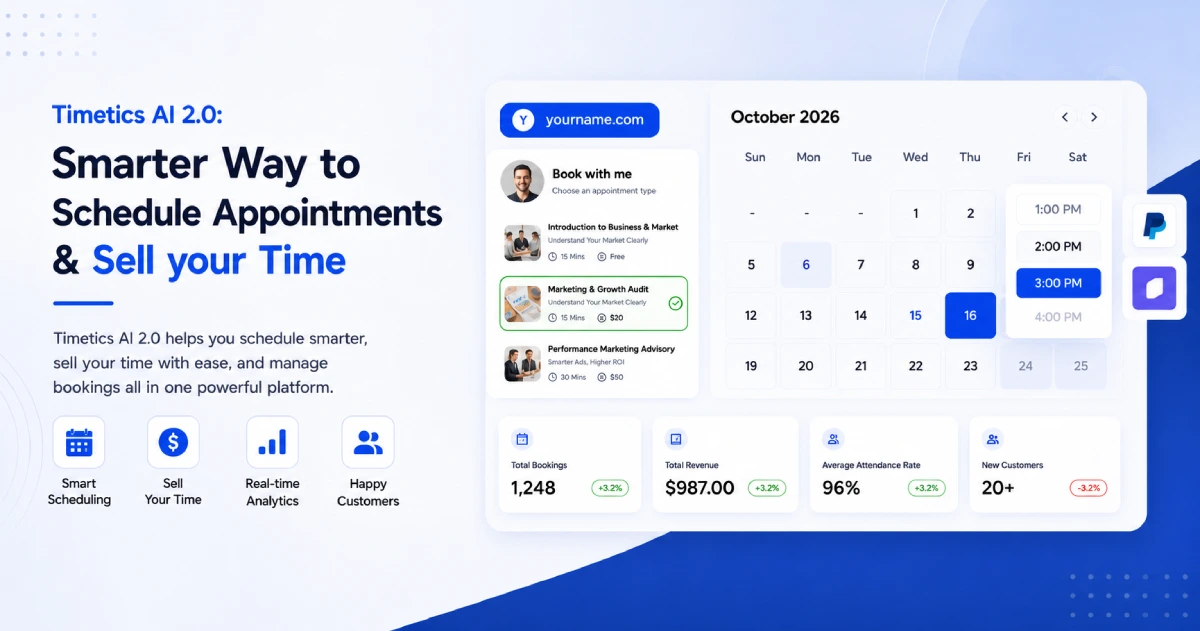
Timetics AI helps coaches turn a simple booking page into a complete client booking flow. Instead of only letting clients choose a time, it helps you guide them through the right session, intake details, payment, and confirmation before the call starts.
Here’s how it helps in 5 simple steps.
Step 1. Show your coaching sessions clearly
Timetics AI lets you create service-based bookings with details like booking title, description, meeting duration, team member, personal booking URL, and location. That means you can create separate pages for discovery calls, paid coaching sessions, strategy calls, or monthly check-ins.
This helps clients understand what they are booking before they choose a time.
Step 2. Collect client details before the session
A coaching call works better when you know the client’s goal before the meeting. Timetics AI supports booking questions, so you can collect details during the booking process. Its custom payment question documentation also shows that questions can be added from the booking settings area.
You can ask what the client needs help with, what challenge they are facing, or what they want to achieve from the session.
Step 3. Add payment to the booking flow
For paid coaching sessions, payment should not happen in a separate message. Timetics AI supports payment methods like PayPal and on-site payment, and its documentation shows “Pay On-Site” can appear with Stripe and PayPal on the public booking page.
This helps coaches reduce payment follow-ups and make the booking process feel more complete.
Step 4. Keep bookings organized in one system
Timetics AI helps coaches manage appointment scheduling, client management, and follow-ups in one place. Its website positions the product around structured services, pricing, booking, and client management for coaches and service businesses.
So instead of checking messages, calendars, payment links, and client notes separately, you can keep the booking flow more organized.
Step 5. Reduce repeated admin work
Timetics AI combines booking management, reminders, rescheduling, and calendar sync in one place. This helps coaches spend less time on repeated tasks and more time preparing for client sessions.
For a coach, this means fewer manual messages, fewer missed details, and a smoother experience from booking to session.
Timetics vs. Other Booking Tools for Coaches
| Tool | Pricing | Good option for | Coach-friendly features | Limitations |
| Timetics AI | $49 / lifetime | Coaches who want booking, payment, intake, and follow-up in one flow | Service-based booking, AI agent, payments, deposits, custom fields, follow-ups, workspaces | Newer platform, fewer native integrations than Calendly |
| Calendly | $20/user/month | Simple call scheduling | Easy booking links, strong integrations, team scheduling | No full service catalog, limited coaching payment flow |
| Acuity | From $16/month | Service appointments | Intake forms, paid appointments, packages | Monthly cost grows with staff and locations |
| YouCanBookMe | $9–$13/user/month | Simple calendar booking | Booking pages, calendar availability, customization | Less focused on paid coaching sessions and service catalog |
| Trafft | Free or from $19.90/month | Staff-based service booking | Staff scheduling, payments, mobile apps | More broad service-business focused than coach-specific |
Summary
A basic scheduling link can work for simple calls. But when you offer paid coaching sessions, discovery calls, monthly check-ins, or strategy sessions, you need a better booking flow.
Timetics AI is a good option for coaches who want to manage everything in one place. You can create service-based booking pages, collect client information, accept payments, reduce no-shows, and keep your coaching schedule more organized.
If your current booking process feels manual or scattered, Timetics AI can help you create a smoother experience for both you and your clients.
FAQs About Booking Software and No-Shows
Why do coaches need booking software?
Coaches need booking software to reduce manual scheduling, avoid missed details, collect client information, and manage paid sessions more smoothly. It saves time and keeps every booking organized.
Can booking software help coaches collect payments?
Yes. Many coaching booking tools let clients pay while booking a session. Timetics AI supports payment options, which makes it easier to manage paid coaching calls without sending separate payment links.
What features should coaches look for in booking software?
Coaches should look for session-based booking, client intake forms, payment options, calendar sync, reminders, and a simple booking page. These features help create a better client booking flow.
Is a basic scheduling link enough for coaches?
A basic scheduling link can work for simple calls. But if you offer paid sessions, discovery calls, intake forms, or recurring coaching, booking software gives you more control and a better client experience.
How does Timetics AI help coaches?
Timetics AI helps coaches create service-based booking pages, collect client details, accept payments, send reminders, and manage appointments in one flow. It is useful for coaches who want less admin work.
What is the best booking software for coaches?
Timetics AI is one of the best booking software options for coaches who want to manage sessions, client intake, payments, reminders, and follow-ups in one flow. It helps coaches create a clear booking page, collect client details before the call, and reduce manual scheduling work.