How an AI Scheduling Assistant Helps Agencies Manage Client Meetings


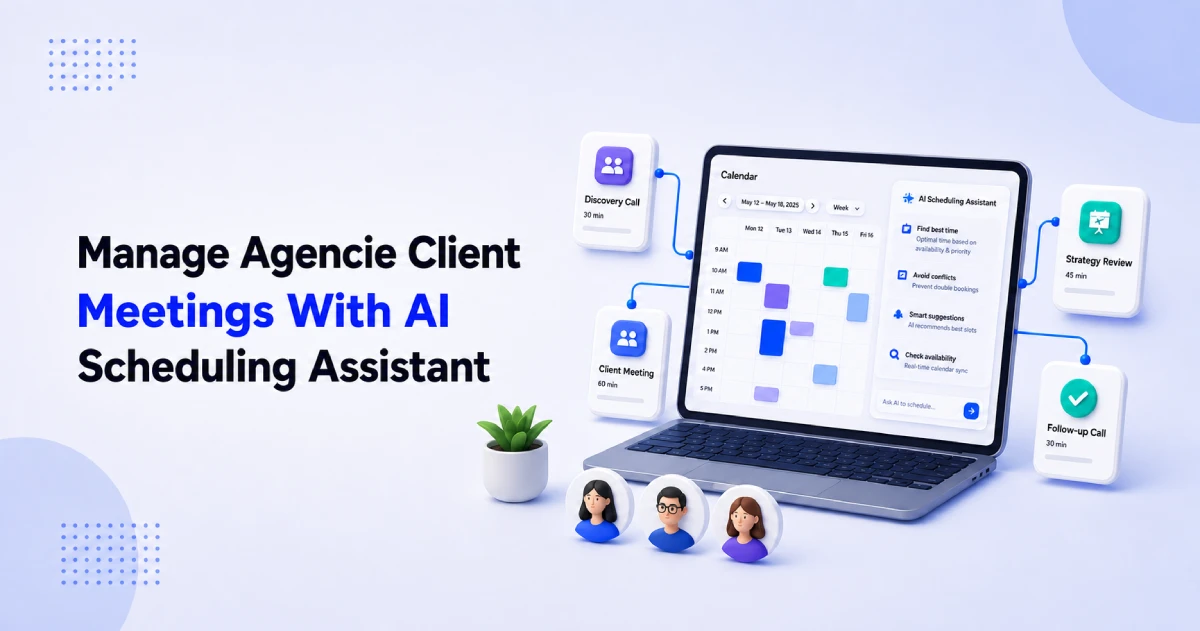
Table of Contents
Agency calendars become complicated quickly. Managing meetings manually creates unnecessary messages, scheduling conflicts, slow handoffs, and an inconsistent client experience.
An AI scheduling assistant helps reduce this administrative workload by combining appointment-booking automation (via human natural-language chat).
It gives agencies a more organized way to manage discovery calls, onboarding meetings, strategy sessions, and recurring client reviews.
In this guide, we’ll explore how AI scheduling works for agencies, where it improves client meeting management, how it differs from traditional booking tools, and how Timetics AI fits into an agency scheduling workflow.
What is an AI Scheduling Assistant for Agencies?
AI scheduling assistant is a smart tools/features that helps teams configure, organize, and manage appointment-booking workflows using artificial intelligence.
For agencies, it can interpret natural-language instructions, apply supported scheduling changes, and reduce the manual work involved in coordinating meetings across clients, prospects, and team members.
Instead of opening different settings and making changes by hand, users can tell the assistant what they want. For example:
- “Create a 30-minute discovery call.”
- “Change the meeting duration to 45 minutes.”
- “Make me available from 10 AM to 4 PM.”
- “Block Friday for client work.”
- “Delete my old consultation calendar.”
- “Show me today’s bookings.”
The AI assistant understands the request and completes the supported action inside the scheduling platform. This makes it easier to create, edit, and delete booking calendars, update availability, and check upcoming client meetings.
In simple terms, an AI scheduling assistant works like a helpful calendar assistant inside the booking platform. You tell it what you need, and it helps complete the scheduling task.
How an AI Scheduling Assistant Improves Client Meeting Management
An AI scheduling assistant makes meeting management easier by allowing agency teams to use a simple chat. Users can ask a question or type a command, and the assistant completes the supported task or shows them where to go.
This means users do not always need to open the meetings section, check different calendars, or search through the settings dashboard.
Create a New Client Schedule Through Chat
An agency can create a new booking calendar by telling the AI assistant what it needs.
For example:
- “Create a one-hour client strategy session.”
- “Create a 45-minute meeting available Monday to Wednesday.”
The assistant understands the instructions and creates the booking schedule with the given details. The user does not have to configure every setting manually.
Edit an Existing Booking Schedule
Client meeting requirements often change. A discovery call may need more time, or an agency may want to change when a service is available.
The user can type commands such as:
- “Change my working hours to 10 AM–5 PM.”
- “Update the price of my consultation, make it $100.”
The AI assistant applies supported changes without making the user search through multiple pages.
Block or Change Availability
Agency teams may need to reserve time for project work, company holidays, or internal meetings. The assistant can help update availability through chat.
For example:
- “Block Friday for client work.”
- “Take next Monday off.”
- “Make me unavailable tomorrow afternoon.”
- “Unblock next Wednesday.”
- “Set my weekly availability from 9 AM to 5 PM.”
This helps keep the booking calendar accurate and reduces the risk of clients choosing an unsuitable time.
Delete an Unneeded Booking Calendar
If an agency no longer offers a particular meeting or service, the user can ask the assistant to delete its booking calendar.
For example:
- “Delete my old consultation calendar.”
- “Remove the 15-minute introduction call.”
For safety, the assistant should ask for confirmation before completing a destructive action such as deleting a calendar.
Check Bookings Without Searching the Dashboard
Users can also ask the assistant for booking information instead of opening the booking dashboard and checking each calendar.
They might ask:
- “Show me today’s bookings.”
- “What meetings do I have today?”
- “List all my booking calendars.”
The assistant can quickly show the available information in the chat. However, changing or cancelling a specific meeting that already has attendees may still need to be completed from the bookings dashboard.
Find Settings and Get Quick Help
The assistant can also help when a user does not know where a setting is located.
For example:
- “Take me to manage bookings.”
- “Where can I connect Google Calendar?”
- “How do I enable payments?”
- “How can I connect Zoom?”
The assistant can open the correct area or provide instructions. Users do not need to leave the platform, search the documentation, and return to the dashboard.
By bringing these tasks into one chat, an AI scheduling assistant reduces unnecessary clicks and makes client meeting management simpler. Agency teams can spend less time maintaining their booking system and more time working with clients.
AI Scheduling Assistant for Agencies vs. Traditional Booking Tools
Traditional booking tools require users to open different pages and change settings manually. An AI scheduling assistant lets users manage many of these tasks through a simple chat.
| Task | Traditional booking tool | AI scheduling assistant |
| Create a booking schedule | Open the calendar section and complete several fields | Type: “Create a 30-minute discovery call” |
| Edit a schedule | Find the meeting and update its settings manually | Type: “Change the meeting to 45 minutes” |
| Change availability | Open availability settings and edit working hours | Type: “Set my availability from 9 AM to 5 PM” |
| Block a date | Find the date and turn off its available time slots | Type: “Block next Friday” |
| Delete a booking calendar | Find the calendar and delete it manually | Ask the AI to delete it, then confirm |
| Check bookings | Open the bookings dashboard and review the calendar | Type: “Show me today’s bookings” |
| Find a setting | Search through menus or read the documentation | Ask: “Where can I enable payments?” |
| Open the right page | Navigate through different dashboard sections | Type: “Take me to manage bookings” |
An AI scheduling assistant does not replace the complete booking system. It makes the system easier to use by allowing agency teams to complete supported tasks through chat. Some actions, such as changing or cancelling a specific client booking, may still need to be completed from the bookings dashboard.
How should an agency implement AI scheduling?
If your agency already uses a separate booking system, adding an AI assistant to it can be difficult and costly. You may need developers, API connections, extra software, regular maintenance, and testing to make everything work together.
The AI assistant must also be able to read the correct calendar information and safely update booking settings. A weak connection could create wrong availability, missed meetings, or double bookings.
For most agencies, the easier option is to choose an appointment booking platform that already includes an AI scheduling assistant. This gives the agency one system for managing bookings, availability, team members, meeting links, payments, and AI-assisted tasks.
The Smarter Way to Manage Agency Meetings with Timetics AI
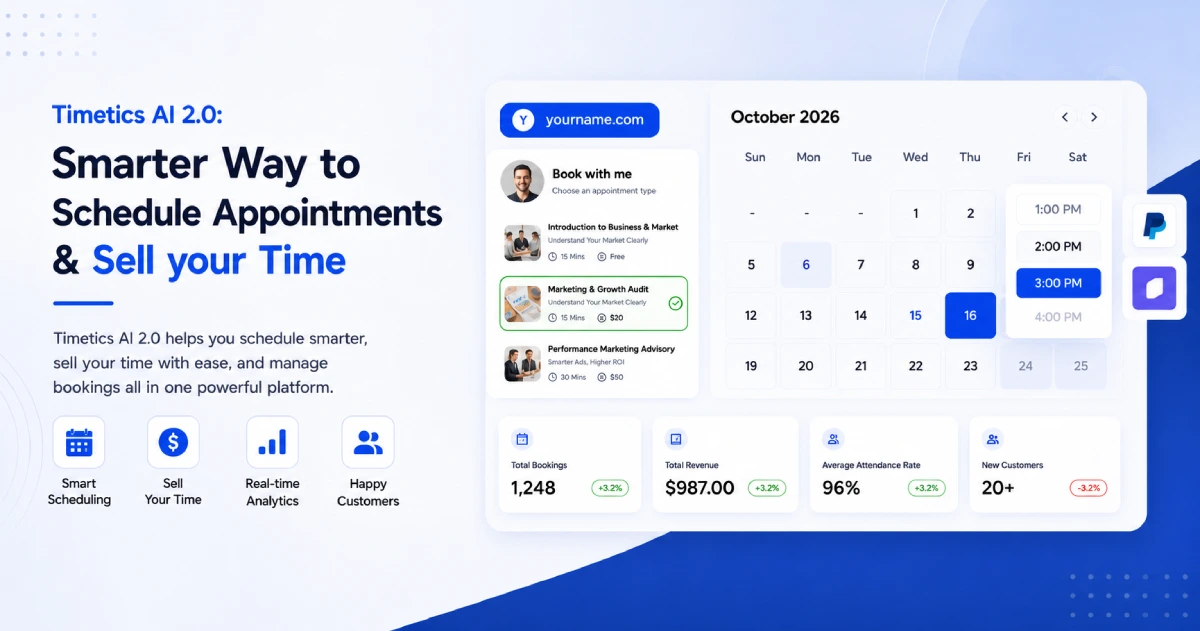
Timetics AI brings appointment booking and an AI scheduling assistant into one platform. Agencies can create booking calendars, manage availability, organize team schedules, connect calendars, and allow clients to book meetings online.
Instead of searching through different dashboard sections, users can give the Timetics AI Scheduling Agent simple instructions through chat.
Timetics AI also supports useful agency booking needs, including:
- Individual and team scheduling
- Shared availability and round-robin booking
- Custom booking pages
- Availability rules and buffer times
- Group and recurring bookings
- Google, Outlook, and Apple Calendar connections
- Zoom, Google Meet, and Microsoft Teams integrations
- Stripe and PayPal payment connections
- CRM and automation integrations
- Team roles and access controls
Timetics AI does not remove the need for all manual work. Some actions, including managing a specific booking that already has attendees, may still need to be completed from the bookings dashboard. However, the AI assistant can make many common setup and calendar-management tasks faster and easier.
For agencies, the main benefit is simplicity. The booking system and AI assistant work together in the same platform, so the agency does not need to build and maintain a separate AI scheduling solution.
With the right setup, Timetics AI can help an agency spend less time managing booking settings and more time serving clients, running projects, and growing the business.
Frequently Asked Questions
What is an AI scheduling assistant for agencies?
An AI scheduling assistant helps an agency manage its booking system through chat. Users can give simple commands to create booking calendars, edit meeting details, change availability, block dates, delete calendars, check bookings, or find settings.
How can an AI scheduling assistant help my agency?
It reduces the time your team spends searching through booking settings. The assistant can help manage discovery calls, consultations, onboarding sessions, project reviews, and other client meetings. This allows your team to focus more on client work.
Can an AI scheduling assistant create and edit booking schedules?
Yes. With a supported platform such as Timetics AI, users can type commands like “Create a 30-minute discovery call” or “Change the meeting to 45 minutes.” The assistant can then create or update the booking calendar.
Can it manage multiple agency team members?
Yes. A booking platform can use shared availability and round-robin scheduling to distribute meetings across team members. This is useful when several salespeople, account managers, consultants, or specialists can handle the same type of client meeting.
Can it prevent double bookings?
A scheduling platform can check connected calendars before showing available times to clients. Timetics AI supports connections with Google Calendar, Microsoft Outlook, and Apple Calendar. Agencies should connect and test every calendar before publishing their booking pages.
Why should an agency consider Timetics AI?
Timetics AI combines appointment booking and an AI scheduling assistant in one platform. It supports booking calendars, availability management, team scheduling, booking pages, calendar connections, meeting integrations, payments, and other tools agencies may need to manage client meetings.