How AI Booking Automation Helps Teams Save Time and Stay Organized


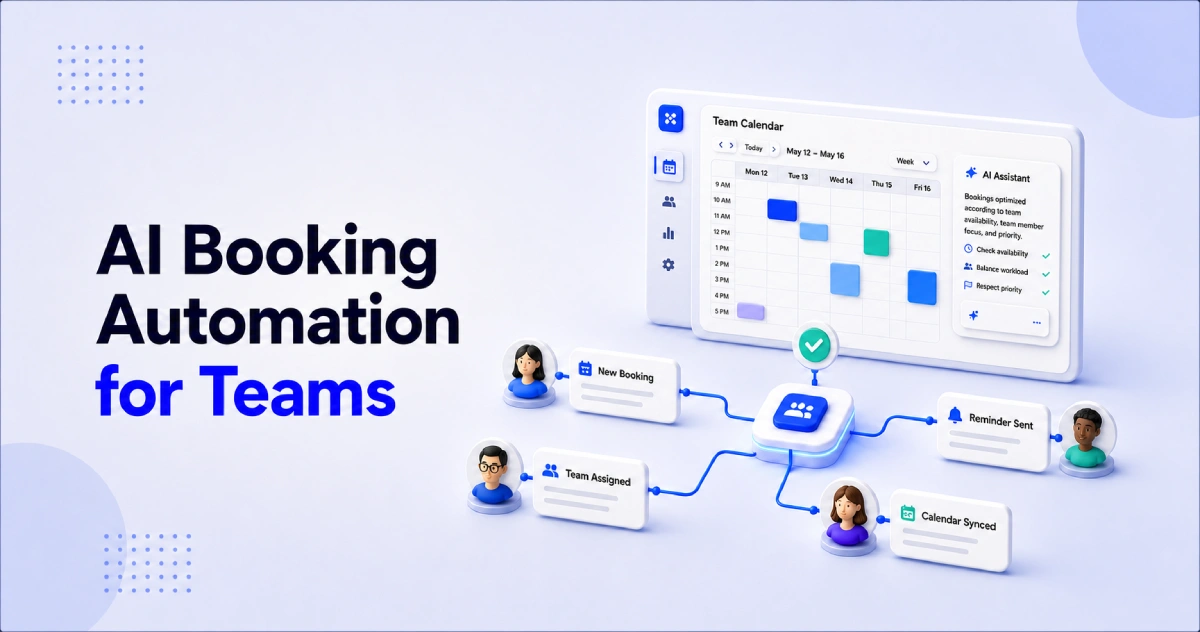
Table of Contents
Managing appointments becomes harder when several people work on the same team. Every team member may have different working hours, responsibilities, calendars, and clients. Without a clear system, employees can spend too much time checking availability, assigning appointments, sending reminders, and updating booking details.
AI booking automation makes this process easier. It can help businesses manage availability, distribute appointments, avoid scheduling conflicts, send confirmations, and keep booking information organized.
This is useful for sales teams, consultants, clinics, salons, recruitment teams, coaches, and other service businesses.
In this guide, you will learn how AI booking automation works, which tasks you can automate, how it compares with traditional booking systems, and how your team can implement it using Timetics AI.
What Is AI Booking Automation for Teams?
AI booking automation for teams is the use of artificial intelligence and automated workflows to manage appointments across multiple team members. It helps a business check availability, assign bookings, update calendars, send notifications, and complete follow-up tasks with less manual work.
A normal booking link may only show a person’s available time slots. Team booking automation manages a larger process involving different employees, services, locations, and customer needs.
For example, imagine that a potential customer wants to schedule a product demo. An automated booking system can:
- Show the available demo options.
- Collect information about the customer.
- Check the calendars of available sales representatives.
- Assign the meeting to a suitable team member.
- Create an online meeting link.
- Send confirmation emails.
- Add the booking details to connected business tools.
- Send reminders before the meeting.
This means the sales manager does not need to review every request and assign every appointment manually.
However, AI booking automation does not remove people from the process. It reduces repetitive administrative work so team members can spend more time helping customers, delivering services, and completing higher-value tasks.
How Manual Booking Slows Down Your Teams
Manual booking may seem manageable when a business has only a few appointments. But as the team and number of customers grow, the process quickly becomes harder to control.
Employees may need to check several calendars, exchange emails with customers, assign appointments, create meeting links, and send reminders. Each task takes only a few minutes, but those minutes can add up to hours every week.
Common problems include:
- Too much back-and-forth: Employees and customers exchange several messages before finding a suitable time.
- Scheduling conflicts: Disconnected calendars can cause double-bookings and last-minute changes.
- Wrong appointment assignments: Customers may book with someone who does not provide the service they need.
- Uneven workloads: Some team members receive too many appointments while others remain available.
- Missed booking steps: Employees may forget confirmations, meeting links, intake questions, payment requests, or reminders.
- Scattered information: Booking details stored across emails, calendars, and spreadsheets are difficult to track.
These small tasks can add up quickly. They also take employees away from more valuable work, such as serving customers, closing sales, or delivering services.
AI booking automation brings these steps into one organized workflow. It helps teams manage availability, distribute appointments, update calendars, and send booking messages automatically—while allowing people to remain in control of important decisions.
AI Booking Automation Vs. Traditional Booking System?
A traditional booking system mainly helps customers choose an available time. AI booking automation supports the wider process by helping teams assign appointments, manage calendars, send updates, and connect booking data with other tools.
| Area | Traditional booking system | AI booking automation |
| Main purpose | Reserves available time | Manages the complete booking workflow |
| Team assignment | Often manual or basic | Uses automated routing rules |
| Calendar management | May use one calendar | Coordinates multiple team calendars |
| Routine messages | Basic confirmations | Automates confirmations, reminders, and follow-ups |
| Connected workflows | Usually limited | Can update CRMs, payments, and other tools |
| System management | Requires menu-based setup | May support natural-language instructions |
| Human involvement | Needed for most tasks | Focused on exceptions and important decisions |
Traditional systems can work well for simple scheduling. AI booking automation is more useful when several team members, services, calendars, and follow-up tasks are involved.
Which Types of Team Benefit Most From Booking Automation?
Booking automation is most useful for teams that handle regular appointments, work with several calendars, or repeat the same booking tasks every day. It is especially valuable when customers need to be matched with the right employee, service, or location.
Sales Teams
Sales teams can use booking automation to distribute product demos and discovery calls among available representatives. It can also collect lead information, create meeting links, update connected CRM tools, and send reminders automatically.
Customer Success and Onboarding Teams
Customer success teams often manage onboarding calls, training sessions, account reviews, and support meetings. Automation helps customers choose the correct meeting type and book with the appropriate team member without waiting for an email response.
Clinics and Wellness Teams
Clinics, salons, fitness centers, and wellness businesses may offer several services through different staff members. Booking automation can connect each service with the right provider, show available times, collect intake information, and send appointment reminders.
Consulting and Professional Service Teams
Consulting firms, legal service providers, financial advisors, and other professional teams can use automation for discovery calls and paid consultations. Customers can choose a service, answer relevant questions, and complete a payment or deposit before the meeting when supported.
Recruitment Teams
Recruitment teams regularly coordinate candidates, hiring managers, and interviewers. Booking automation can reduce email exchanges, check interviewer availability, create meeting details, and remind candidates before an interview.
Multi-Location Service Teams
Businesses with several branches need to manage different staff members, services, working hours, and locations. Automation allows customers to choose a location and service before viewing the relevant availability.
Agencies
Agencies manage sales calls, client onboarding, project meetings, and review sessions across different team members. Booking automation helps organize these meetings and can keep separate clients, brands, or departments in structured workspaces.
In general, a team is ready for booking automation when manual scheduling takes too much time, appointments are assigned inconsistently, or important booking steps are frequently missed.
How to Choose the Right AI Booking Automation Tool for Your Team
To choose the right AI booking automation tool, look for a platform that matches your team size, appointment process, and existing business tools. It should reduce manual work, prevent scheduling conflicts, support multiple team members, and remain easy for both employees and customers to use.
Before making a decision, check whether the tool offers:
- Team availability and shared booking pages
- Round-robin appointment distribution
- Calendar synchronization
- Automated confirmations and reminders
- Rescheduling and cancellation controls
- Custom intake questions
- Service pricing and online payments
- CRM and workflow integrations
- User roles and team-management controls
- Simple setup and daily management
- AI assistance for supported scheduling tasks
If you are looking for an AI booking automation tool with all of these features, try Timetics AI. It brings all these booking features together in one platform for service businesses and growing teams.
How to Implement AI Booking Automation Using Timetics AI
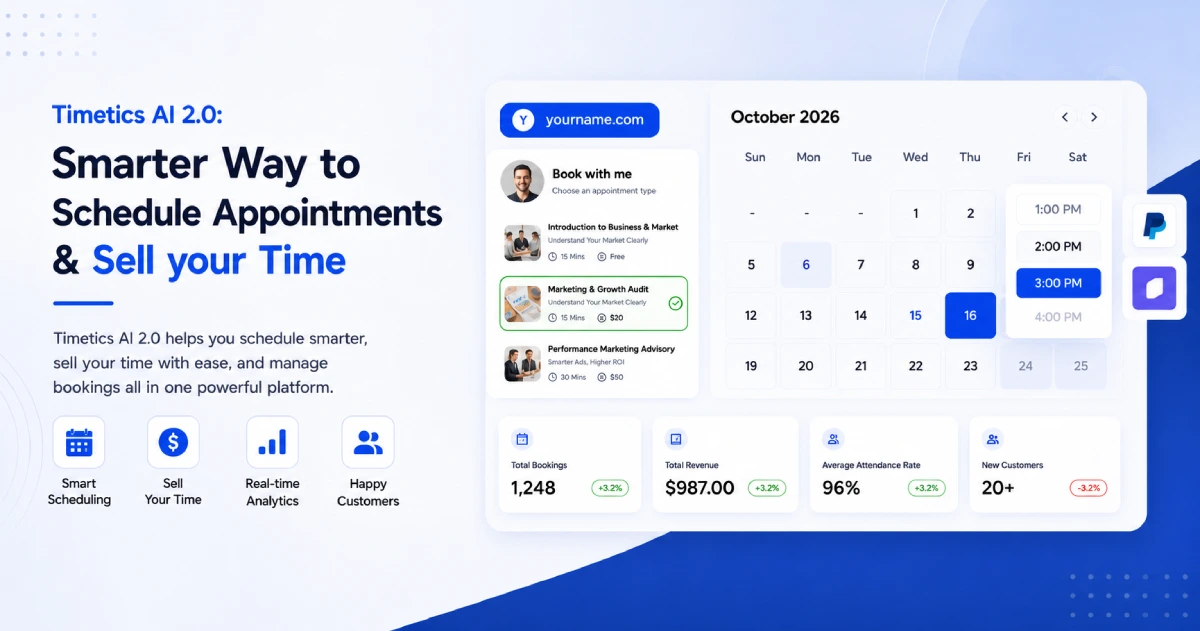
Timetics AI is a smart appointment booking platform with AI scheduling capabilities and a wide range of booking features. It helps teams manage availability, create booking pages, distribute appointments, collect customer information, receive payments, send reminders, and connect bookings with other business tools.
Teams can use Timetics AI to build one organized process instead of managing appointments across separate emails, calendars, forms, and spreadsheets. Its built-in AI scheduling agent also makes booking management easier by understanding simple, natural-language instructions.
Here is how your team can implement AI booking automation with Timetics AI.
Step 1: Build Your Team Booking System
Start by adding your employees and assigning the right user roles. You can invite team members to Timetics AI individually or add several members at once.
Next, create booking pages for the services or meetings your team offers. These could include:
- Sales calls
- Product demonstrations
- Paid consultations
- Customer onboarding sessions
- Interviews
- Training appointments
- Service bookings
When creating a booking with Timetics AI, you can define its duration, price, location, availability, buffer time, booking limits, and cancellation rules.
Step 2: Connect Calendars and Automate Routine Tasks
Connect the calendars your team already uses so appointments remain organized. For example, the Google Calendar integration can automatically add Timetics appointments to connected calendars.
You can also automate routine tasks such as:
- Sending booking confirmations
- Delivering appointment reminders
- Creating online meeting details
- Collecting intake information
- Managing recurring bookings
- Accepting full or partial payments
- Handling rescheduling and cancellation rules
This gives every customer a more consistent booking experience while reducing repetitive work for your team.
Step 3: Connect Timetics AI With Your Business Tools
Timetics AI gives you the flexibility to connect appointment booking with a wider business workflow.
For example, you can integrate ActiveCampaign with Timetics AI to create or update contacts after confirmed bookings. This helps marketing and sales teams keep customer information organized.
You can also connect Timetics AI with Zapier to send booking data to CRMs, spreadsheets, email platforms, project-management tools, and thousands of other applications.
Step 4: Manage Bookings With the Timetics AI Agent
Timetics AI includes a built-in AI scheduling agent that understands natural-language instructions. Instead of searching through different menus, you can chat with the agent in simple language.
For example, you can ask it to:
- “Create a 30-minute consultation calendar.”
- “Set my working hours to 9 AM–5 PM.”
- “Block next Monday.”
- “Show today’s bookings.”
- “Change my meeting duration to 45 minutes.”
The agent can perform supported booking and availability actions or guide you to the correct area of the platform. This makes scheduling management faster and easier, especially for busy teams that do not want to spend time learning complicated settings.
By combining team scheduling, connected calendars, workflow integrations, and natural-language AI assistance, Timetics AI gives businesses the tools to build a practical booking automation system while keeping their team in control.
Frequently Asked Questions About AI Booking Automation
What is AI booking automation for teams?
AI booking automation helps teams manage availability, assign appointments, update calendars, and send booking messages with less manual work.
How does AI help with appointment booking?
AI can understand scheduling instructions, assist with calendar setup, update availability, and help users manage supported booking tasks through natural language.
Can booking automation prevent double-bookings?
Connected calendars and conflict checks can reduce double-bookings by showing current availability. Teams should still keep calendar connections and booking rules updated.
Can appointments be distributed among team members?
Yes. Team scheduling tools can use methods such as round-robin assignment to distribute bookings among available employees.
Which teams benefit most from booking automation?
Sales, customer success, recruitment, consulting, healthcare, wellness, agency, and other service teams can benefit from automated booking workflows.
Can booking automation connect with other business tools?
Yes. Platforms such as Timetics AI can connect booking data with tools like ActiveCampaign and Zapier to support wider business workflows.
How does Timetics AI support booking automation?
Timetics AI combines team scheduling, booking pages, calendar integrations, automated workflows, payments, and a natural-language AI scheduling agent.